2025 EdTech Comparison: Top 5 K-12 Remote Learning Platforms
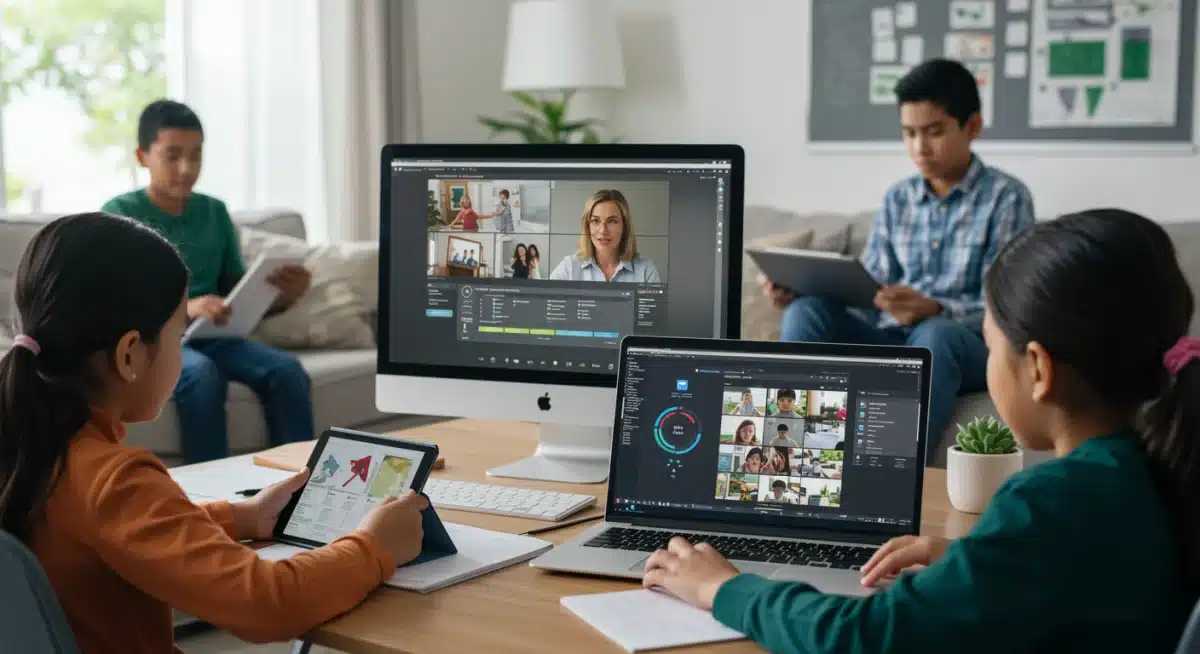
The 2025 educational technology landscape for K-12 remote learning platforms requires a thorough comparison to identify solutions offering optimal effectiveness, engagement, and accessibility for students and educators.
The landscape of education is continuously reshaped by technological advancements, and 2025 marks a pivotal year for remote learning. As schools nationwide embrace hybrid and fully virtual models, selecting the most effective K-12 remote learning platforms has become paramount. This comprehensive analysis delves into the top five platforms poised to define K-12 education in the coming year, examining their features, effectiveness, and suitability for diverse learning environments.
Understanding the Evolving Needs of K-12 Remote Education
Remote education in the K-12 sector has transcended its emergency response origins to become an integral part of modern schooling. The demands placed on platforms have grown significantly, moving beyond simple content delivery to encompass comprehensive learning ecosystems. Educators now seek tools that foster dynamic interaction, cater to individual learning paces, and provide robust assessment capabilities.
The paradigm shift requires platforms that are not only technologically sound but also pedagogically aligned with best practices for young learners. This includes considerations for digital literacy, screen time management, and the crucial role of parental involvement in a remote setting. Furthermore, data privacy and security remain critical concerns for schools and families.
Key Considerations for Platform Selection
When evaluating K-12 remote learning platforms, several core aspects must be rigorously assessed to ensure they meet the complex needs of students, teachers, and administrators. These considerations form the foundation of an effective digital learning strategy.
- User-Friendliness: Intuitive interfaces for students, teachers, and parents are essential to minimize friction and maximize engagement.
- Content Integration: Seamless compatibility with existing educational resources and the ability to incorporate diverse media types.
- Interactive Tools: Features that promote collaboration, discussion, and active participation, moving beyond passive consumption.
- Assessment and Analytics: Robust tools for tracking student progress, providing personalized feedback, and informing instructional decisions.
- Accessibility: Adherence to WCAG standards to ensure all students, including those with disabilities, can access and engage with content.
The selection process is not merely about choosing software; it is about investing in a solution that empowers educators and inspires students, ultimately enhancing learning outcomes in a remote context. A platform’s ability to adapt to future educational trends is also a significant factor, ensuring longevity and continued relevance.
Platform 1: Canvas LMS – A Comprehensive Solution
Canvas LMS continues to be a dominant force in the educational technology space, offering a highly customizable and feature-rich environment for K-12 remote learning. Its open architecture allows for extensive integrations, making it a versatile choice for schools with diverse digital toolkits. Canvas excels in providing a structured yet flexible learning pathway for students.
The platform’s robust suite of tools supports various pedagogical approaches, from traditional assignment submissions to project-based learning and collaborative group work. Its intuitive gradebook and communication features streamline administrative tasks for teachers, allowing them to focus more on instruction and student support. The platform also offers extensive professional development resources for educators.
Key Features and Effectiveness
Canvas’s strength lies in its comprehensive feature set designed to support a full spectrum of K-12 educational needs. Its ability to scale from small classrooms to large districts makes it a popular choice.
- Modular Course Design: Teachers can organize content into modules, guiding students through learning paths at their own pace.
- Rich Content Editor: Supports multimedia integration, ensuring lessons are engaging and accessible.
- SpeedGrader: An efficient tool for grading assignments, providing timely feedback to students.
- Conferences and Collaborations: Built-in video conferencing and group work features facilitate synchronous and asynchronous interaction.
The effectiveness of Canvas is often cited in its ability to centralize learning activities, making it easier for students to navigate their coursework and for parents to stay informed. Its analytical tools provide valuable insights into student performance and engagement, enabling data-driven instructional adjustments.
Platform 2: Google Classroom – Simplicity and Integration
Google Classroom has solidified its position as a go-to platform, particularly for schools already invested in the Google Workspace for Education ecosystem. Its simplicity and seamless integration with other Google tools make it incredibly accessible and easy to adopt for both teachers and students. The platform prioritizes straightforward assignment management and communication.
While perhaps not as feature-rich as some dedicated LMS platforms, Google Classroom’s strength lies in its ability to connect familiar tools like Docs, Sheets, and Slides directly into the learning workflow. This provides a familiar environment that reduces the learning curve, allowing educators to quickly create and distribute assignments, provide feedback, and manage classroom activities.
Advantages for K-12 Environments
For K-12 education, Google Classroom offers several distinct advantages, especially for districts seeking cost-effective and user-friendly solutions that can be implemented rapidly.
- Ease of Use: Minimal training required for teachers and students, promoting quick adoption.
- Google Workspace Integration: Deep connectivity with Google Docs, Drive, Meet, and other tools, creating a unified digital environment.
- Communication Hub: Streamlined announcements and comments facilitate clear communication between students and teachers.
- Cost-Effectiveness: Often included as part of Google Workspace for Education, reducing overall technology expenditure.
Its effectiveness is particularly evident in its ability to foster collaborative learning through shared documents and presentations, and its mobile accessibility ensures learning can happen anywhere, anytime. The platform’s simplicity ensures that the focus remains on learning rather than navigating complex software.
Platform 3: Microsoft Teams for Education – Collaborative Learning Hub
Microsoft Teams for Education has emerged as a powerful contender, especially for institutions utilizing the Microsoft 365 ecosystem. It goes beyond simple content delivery, acting as a comprehensive hub for communication, collaboration, and learning management. Teams integrates chat, video conferencing, file storage, and application integration into a single, unified interface.
Designed to support both synchronous and asynchronous learning, Microsoft Teams for Education facilitates live virtual classes, group projects, and individual assignments. Its ability to create dedicated team channels for different classes or projects promotes organized communication and resource sharing. The platform also emphasizes accessibility features to ensure inclusive learning opportunities.
Integrated Features for Enhanced Engagement
The platform’s strength lies in its ability to bring all aspects of remote learning into one cohesive environment, reducing the need for students and teachers to switch between multiple applications.
- Persistent Chat and Channels: Organized communication for classes, subjects, and projects.
- Video Conferencing (Teams Meetings): High-quality live lessons with features like breakout rooms and attendance tracking.
- Assignment Management: Create, distribute, collect, and grade assignments within the platform.
- OneNote Class Notebook: Integrated digital notebooks for personalized learning and collaboration.
The effectiveness of Microsoft Teams for Education is seen in its capacity to foster a sense of community and collaboration among students, mirroring traditional classroom dynamics in a virtual space. Its robust security and compliance features also provide peace of mind for educational institutions.
Platform 4: Schoology Learning – Engaging and Flexible
Schoology Learning, now part of PowerSchool, offers a dynamic and engaging learning management system tailored for K-12 environments. It focuses on creating personalized learning experiences and fostering an active, collaborative community. Schoology is known for its intuitive design and its ability to integrate a wide array of educational tools and content.
The platform supports differentiated instruction through personalized learning paths and allows educators to easily create interactive assignments, discussions, and assessments. Its social media-like interface often resonates well with students, making the learning environment feel more familiar and less intimidating. Schoology also provides strong analytics for tracking student progress and identifying areas for intervention.
Personalization and Community Building
Schoology’s emphasis on flexibility and community makes it a strong choice for schools looking to create a highly interactive and student-centered remote learning experience.
- Personalized Learning Paths: Tailor content and activities to individual student needs and pace.
- Collaborative Groups: Facilitate peer-to-peer learning and project work through dedicated groups.
- Assessment Tools: Diverse options for quizzes, assignments, and rubrics, with automated grading features.
- Parent Access: Allows parents to monitor student progress, assignments, and communications.
The effectiveness of Schoology is often highlighted in its ability to promote student agency and engagement through its interactive features and personalized approach. Its robust integration capabilities also mean schools can leverage their existing educational technology investments seamlessly.
Platform 5: Seesaw – Early Childhood and Elementary Focus
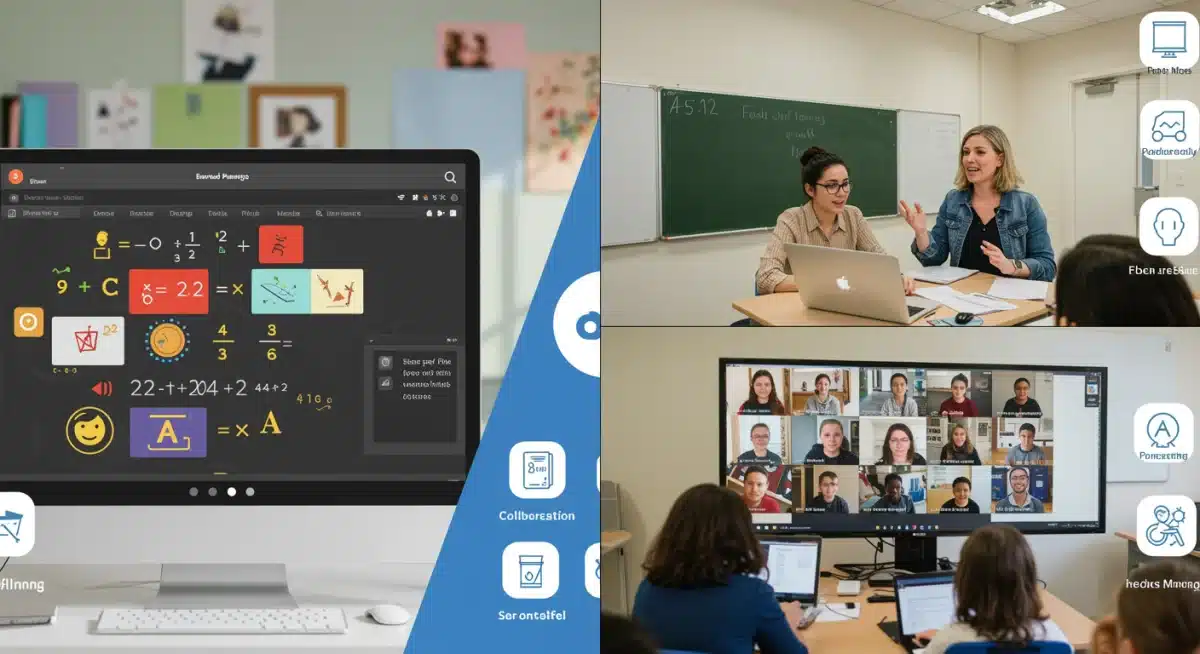
Seesaw stands out as a highly effective and engaging platform specifically designed for early childhood and elementary K-12 remote learning. It transforms the learning process into a creative and interactive experience, allowing young students to demonstrate their understanding through drawings, photos, videos, and voice recordings. Seesaw acts as a digital portfolio, showcasing student work and progress.
The platform’s intuitive, visual interface is perfectly suited for younger learners who may not yet be proficient in typing. It empowers students to take ownership of their learning and share their discoveries with teachers and families. Seesaw also facilitates strong home-school connections, offering parents a window into their child’s daily learning activities and achievements.
Creative Expression and Family Engagement
Seesaw’s unique approach to remote learning for younger students focuses on fostering creativity, communication, and strong parental involvement.
- Creative Tools: Drawing, labeling, recording, and photo/video upload tools for diverse expression.
- Digital Portfolios: Automatically compiles student work, showcasing growth over time.
- Family Communication: Secure and private channel for teachers to share student work and updates with families.
- Activity Library: Access to a vast library of pre-made activities, adaptable for various subjects and grade levels.
The effectiveness of Seesaw is evident in its ability to make remote learning accessible and enjoyable for young children, bridging the gap between home and school. It encourages active participation and provides rich evidence of learning that goes beyond traditional assessments, making it an invaluable tool for early elementary education.
| Platform | Key Benefit |
|---|---|
| Canvas LMS | Comprehensive, highly customizable, extensive integrations. |
| Google Classroom | Simplicity, seamless Google Workspace integration, user-friendly. |
| Microsoft Teams for Education | Unified communication and collaboration hub, robust security. |
| Seesaw | Early childhood focus, creative expression, strong family engagement. |
Frequently Asked Questions About K-12 Remote Learning Platforms
Key factors include ease of use, integration with existing tools, interactive features, robust assessment capabilities, and accessibility for all students. Data security and privacy are also paramount, along with the platform’s ability to support diverse teaching methodologies and student needs effectively.
Many platforms, like Canvas and Schoology, offer features such as personalized learning paths, modular content delivery, and varied assignment types. These tools enable teachers to tailor content, pace, and activities to meet the individual learning styles and academic levels of each student, ensuring equitable access to education.
Family engagement is crucial. Platforms like Seesaw excel by providing direct communication channels and transparent access to student work and progress, allowing parents to actively support their child’s learning journey. Strong home-school connections are vital for student success in remote environments.
Yes, the top platforms are designed to support both. They offer tools for live video conferencing (synchronous) and features for self-paced assignments, discussion forums, and multimedia content (asynchronous). This flexibility allows schools to implement various hybrid and fully remote learning models effectively.
Data security and privacy are extremely important. Platforms must comply with regulations like FERPA and COPPA, protecting student information. Robust encryption, secure access controls, and transparent data handling policies are essential to build trust with parents and safeguard sensitive educational data.
Conclusion
The selection of K-12 remote learning platforms in 2025 is a critical decision that profoundly impacts educational outcomes. Each of the platforms discussed – Canvas LMS, Google Classroom, Microsoft Teams for Education, Schoology Learning, and Seesaw – offers distinct strengths tailored to different needs within the K-12 spectrum. From comprehensive LMS functionalities to streamlined communication hubs and creative tools for younger learners, the right platform can transform remote education into an engaging, effective, and equitable experience. Schools must carefully evaluate their specific requirements, technological infrastructure, and pedagogical goals to choose the solution that best empowers their educators and inspires their students for success in the evolving digital learning landscape.